How It Works
Screen Reading
Read what you can't select.
Read text from PDFs, pictures, and anything on screen.
How to use it.
01
Hold Option or Alt
Option on a Mac, Alt on Windows.
02
Drag over the text
A PDF, a picture, anything on screen.
03
Pick an action
The text opens in the toolbar, ready for any action.
Make it yours.
Permissions
Open Edyt, pick Settings, and scroll to Permissions.
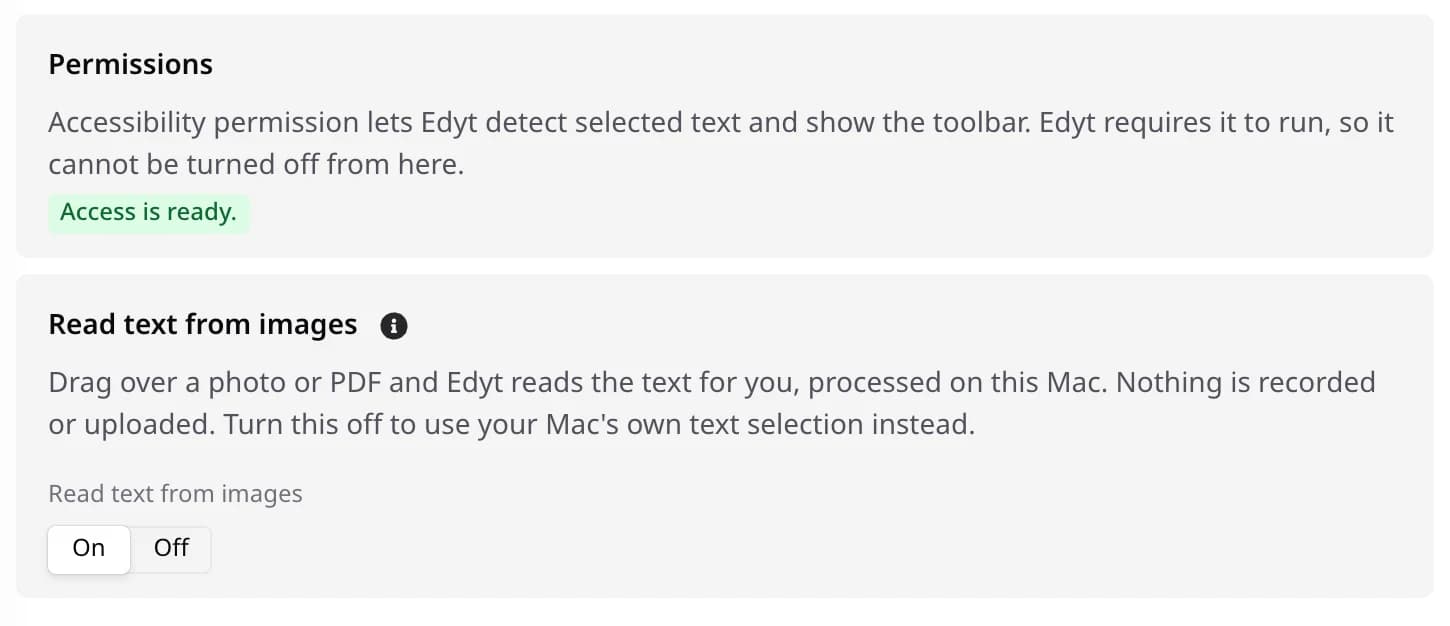
- Read text from images
- On by default. Turn it off to use your computer's own text selection when you drag.
- Screen Recording on Mac
- macOS has to allow it first. Until then this stays off, and Give permission asks for it.
- Accessibility on Mac
- Edyt needs it to see what you select, so it can't be turned off here.
- Windows
- Nothing extra to allow. Only this switch decides.
Screen Reading questions
No. It takes one picture of the area you drag, only when you drag, and reads it on your computer. Nothing is recorded or uploaded.
macOS requires it for any app to read what's on screen. Edyt only uses it when you drag.
More actions.
Rewrite
Fix the mistakes and keep your words
Ctrl+Shift+C
Proofread
See each problem, and why, before anything changes
Ctrl+Shift+H
Alternatives
Pick from a few different versions
Ctrl+Shift+L
Explain
Understand what something means
Ctrl+Shift+X
Translate
Read or reply in another language
Ctrl+Shift+T
Custom Prompts
Make the same kind of edit again and again
Ctrl+Shift+J
Try it on your own writing.
Free to download. Free to use. No credit card required.